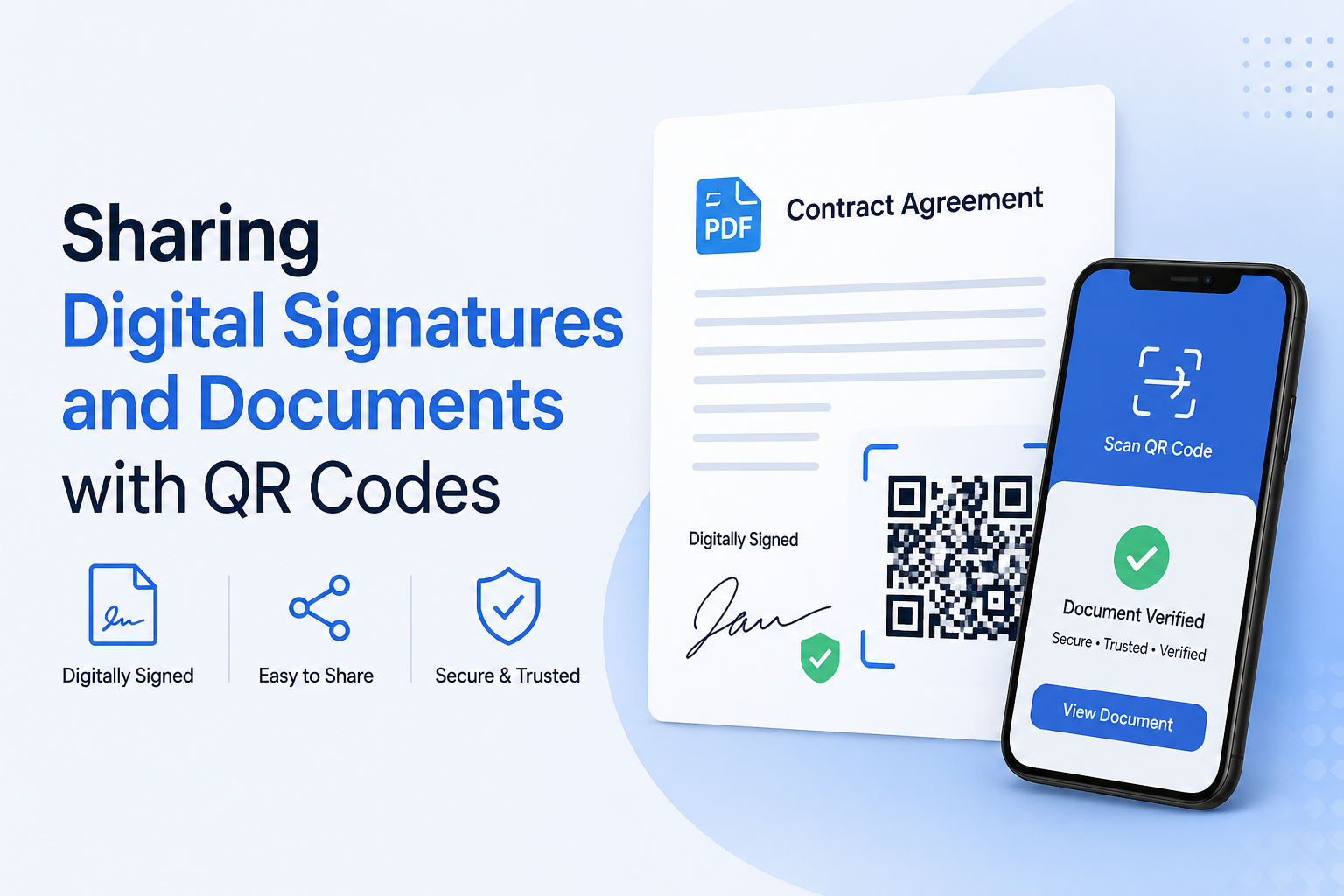
Digital signatures have become a vital part of modern business communication. Businesses or professionals often use digital signatures in documents, emails, and contracts to verify their identity and keep a professional appearance.
However, sharing signature documents or signed documents can be a little hectic and involve multiple steps, including sending additional attachments or files. Instead of manual sharing, you can go for smart sharing, such as QR codes.
Let’s check how it can benefit you effortlessly.
Make Your Document Sharing Easy
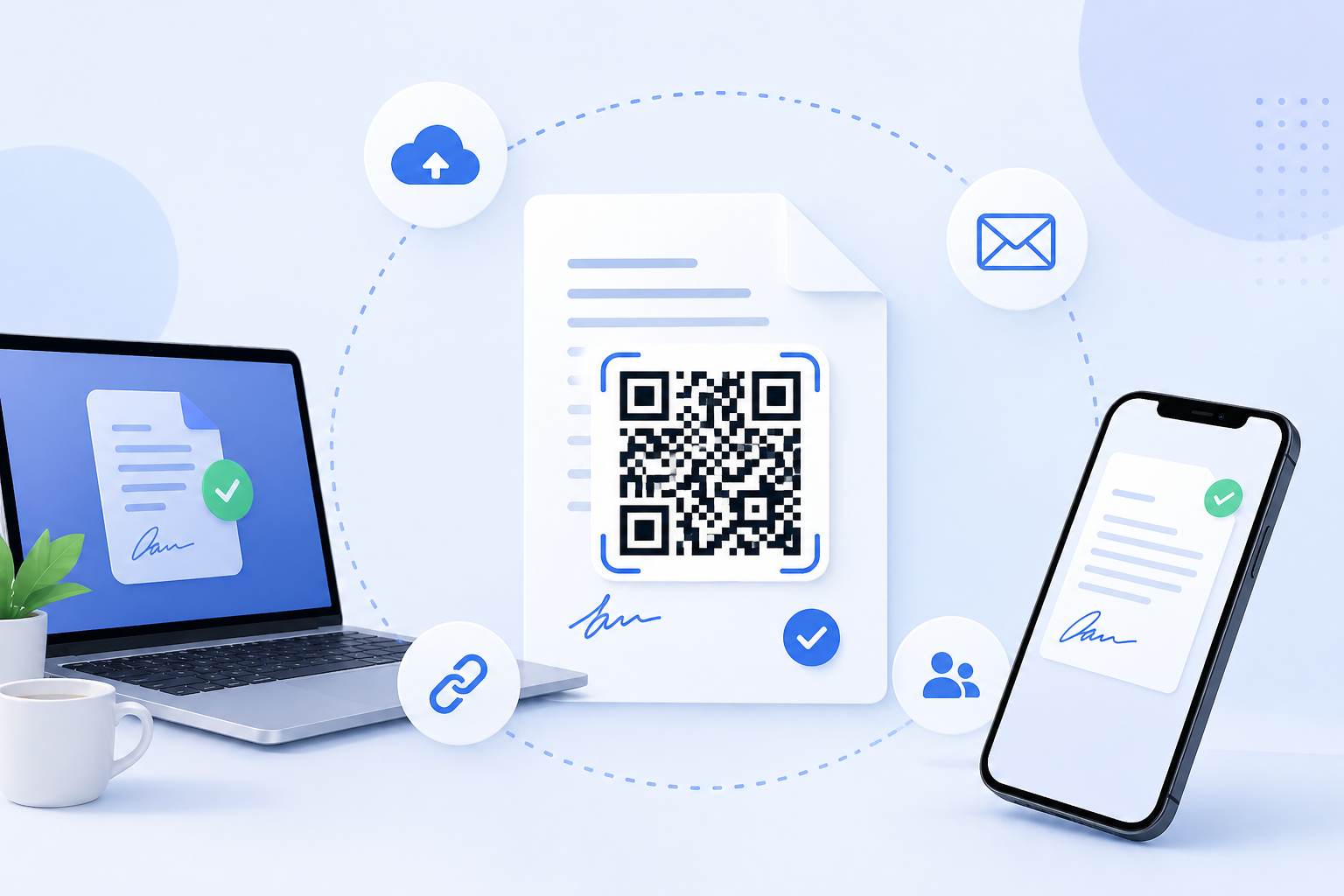
QR codes offer an efficient way to share document files quickly. Instead of attaching a file continuously, you can create a scannable QR code that directs to the exact details or document, whatever you’ve added.
An online QR Code Generator tool lets you convert a signed PDF or any document into a PDF QR Code in seconds without any extra effort. So, anyone who scans the QR code can get the document instantly, anytime. Isn’t it better?
To Share Signature Media
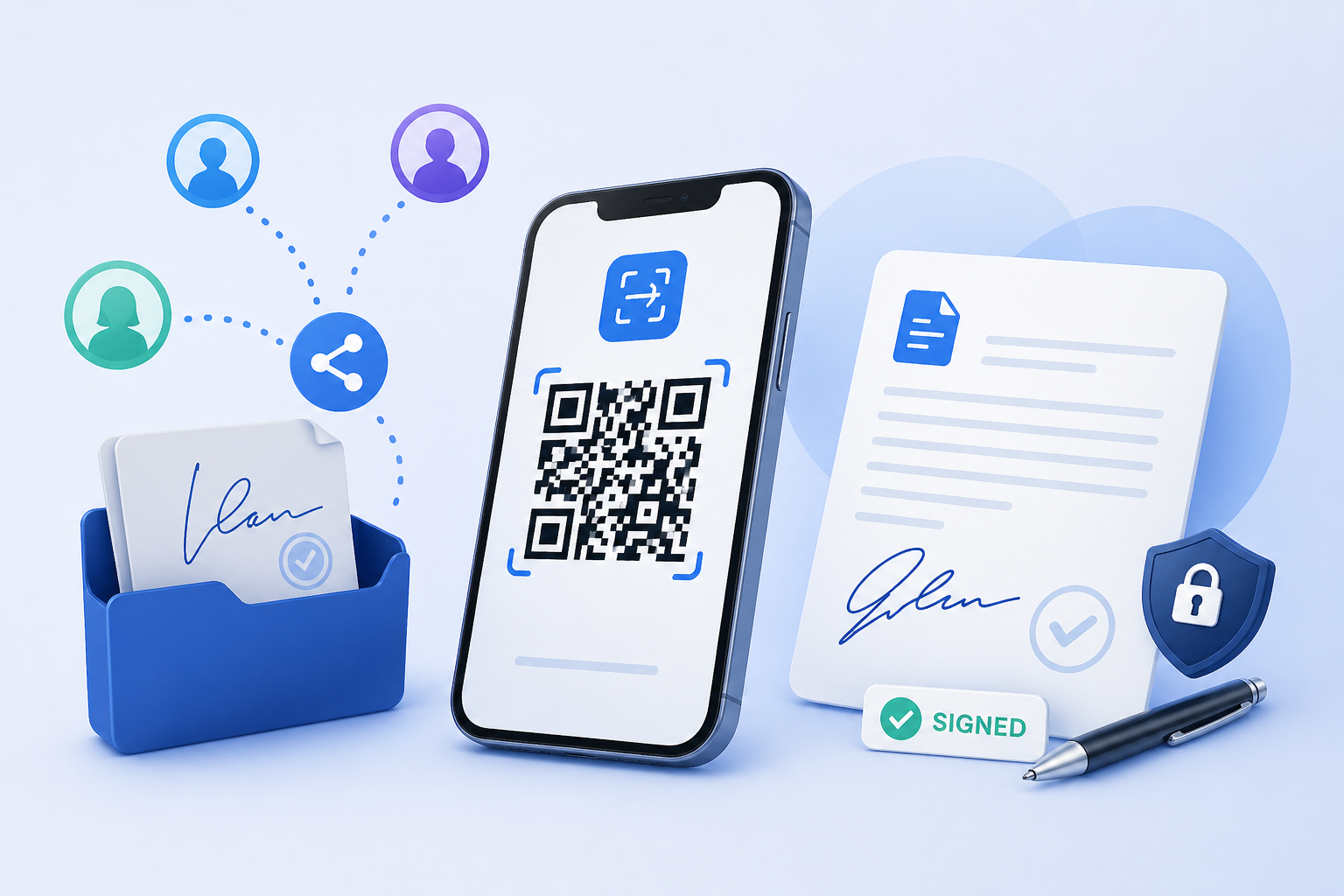
Sometimes, users want to share a video tutorial on a digital signature. With the help of the Video QR Code, you can share the tutorial with users. So, you don’t have to find; just put it on your social media profile or product. Once users scan the code, they can easily access the video.
This can be useful for teachers, businesses, trainers, and organizers who want to guide users.
Advantages of Using QR Codes for Professionals
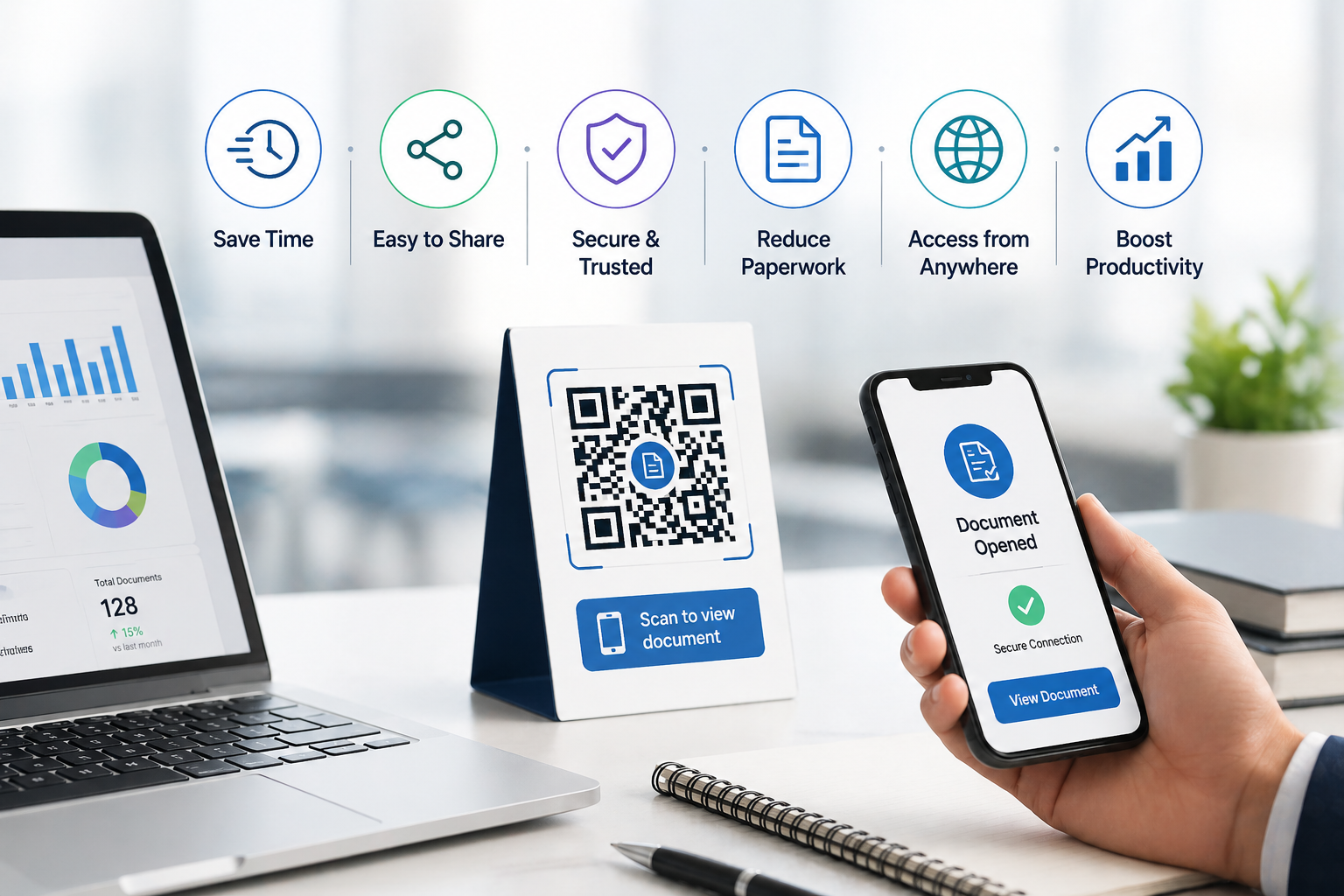
Using QR codes to share documents, files, and videos has numerous advantages:
- Quick and easy document access
- No need for multiple attachments
- Easy sharing
- No hassle in multiple sharing
Professionals can use the code in email signatures, business cards, or documents to simplify communication.
Practical Use Cases
- Brands can put codes on forms, profiles, and business cards
- Companies can improve their workflow and get more engaged with customers
Conclusion
e-Signatures play an important role in document management. With the help of such tools as PDF, Video QR Code, professionals can share documents instantly while keeping a smooth communication process.